code-server(WSL2 환경에서 vscode 원격 접속)
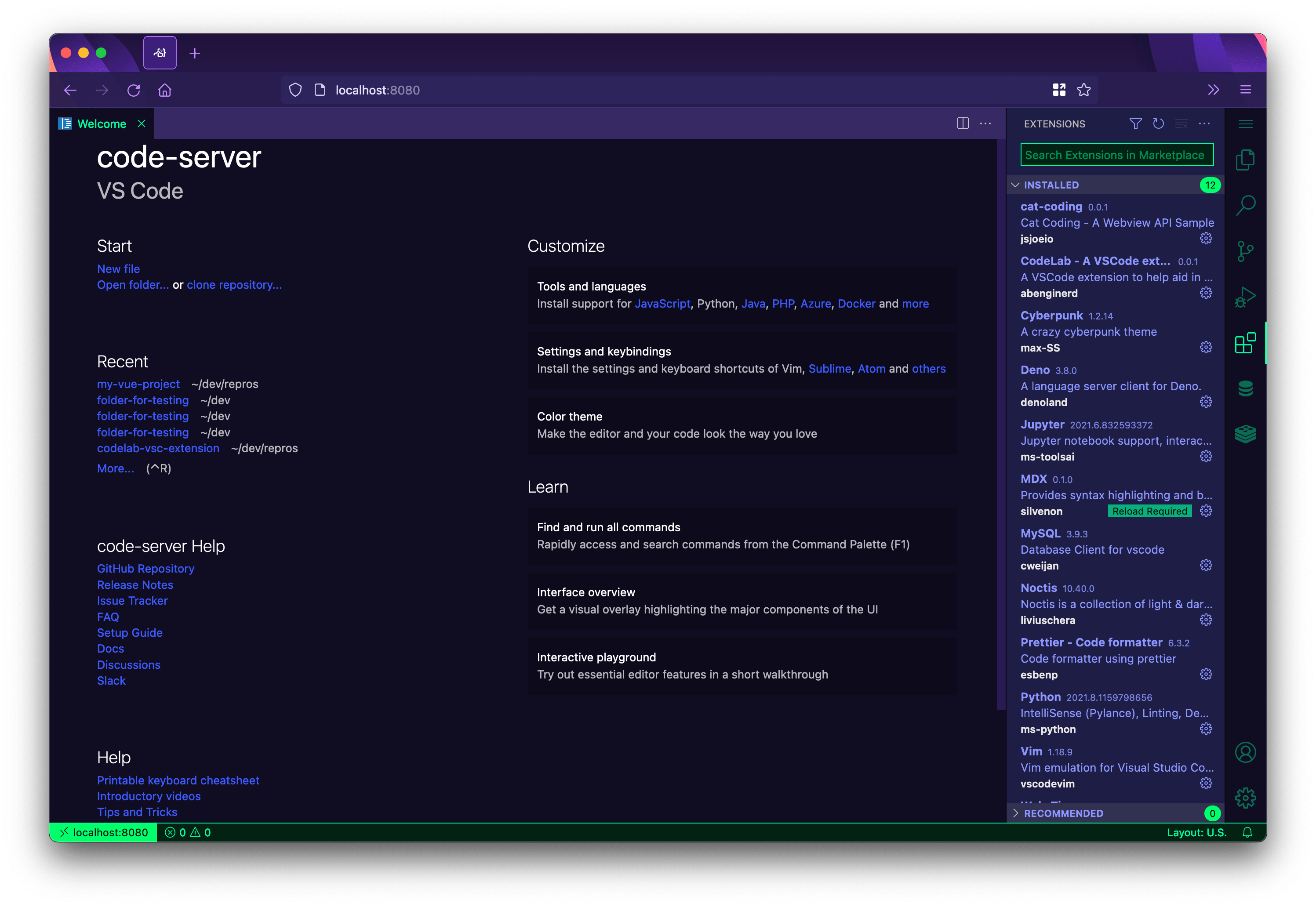
wsl2 + ubuntu 20.04
- 공유기 포트포워딩 설정
- 윈도우 - WSL2 포트포워딩 설정 스크립트 (
wsl2-network.ps1) - 윈도우 배치파일 작업 스케줄러 등록 (
wsl2-start.bat)- ssh 서버 실행
- wsl2-network.ps1 포트포워딩 적용
- code-server 설치 (Docker 기준)
- coder-server 컨테이너 실행
# screen을 이용하여 새로운 세션 내에서 실행한다 (--restart unless-stopped 옵션 추가)
# 시스템(윈도우)이 리부팅 되어도 도커가 실행되면서 code-server 컨테이너를 다시 실행하게 된다.
$ screen -S code-server
$ docker run -it --restart unless-stopped --name code-server -p 0.0.0.0:11110:8080   -v "$HOME/.config:/home/coder/.config"   -v "$PWD:/home/coder/project"   -u "$(id -u):$(id -g)"   -e "DOCKER_USER=$USER"   codercom/code-server:latest
wsl2-start.bat
@ECHO OFF
wsl -u root -- service ssh start
Powershell.exe -noprofile -executionpolicy bypass -file "D:\ubuntu\wsl2-network.ps1"
wsl2-network.ps1
$remoteport = bash.exe -c "ifconfig eth0 | grep 'inet '"
$found = $remoteport -match '\d{1,3}\.\d{1,3}\.\d{1,3}\.\d{1,3}';

if( $found ){
  $remoteport = $matches[0];
} else{
  echo "The Script Exited, the ip address of WSL 2 cannot be found";
  exit;
}

#[Ports]

#All the ports you want to forward separated by coma
$ports=@(22,443,8080,11110);


#[Static ip]
#You can change the addr to your ip config to listen to a specific address
$addr='0.0.0.0';
$ports_a = $ports -join ",";


#Remove Firewall Exception Rules
iex "Remove-NetFireWallRule -DisplayName 'WSL 2 Firewall Unlock' ";

#adding Exception Rules for inbound and outbound Rules
iex "New-NetFireWallRule -DisplayName 'WSL 2 Firewall Unlock' -Direction Outbound -LocalPort $ports_a -Action Allow -Protocol TCP";
iex "New-NetFireWallRule -DisplayName 'WSL 2 Firewall Unlock' -Direction Inbound -LocalPort $ports_a -Action Allow -Protocol TCP";

for( $i = 0; $i -lt $ports.length; $i++ ){
  $port = $ports[$i];

  iex "netsh interface portproxy delete v4tov4 listenport=$port listenaddress=$addr";
  iex "netsh interface portproxy add v4tov4 listenport=$port listenaddress=$addr connectport=$port connectaddress=$remoteport";
}

iex "netsh interface portproxy show v4tov4";